Ask ChatGPT, Claude or any AI agent about your brand.
Get answers from Brand24 social listening data without logging in.
Join 4000+ Brands in the AI Revolution
30M+
100+
Languages you can monitor your brand in.
1
Connection for ChatGPT, Claude, and every other MCP client.
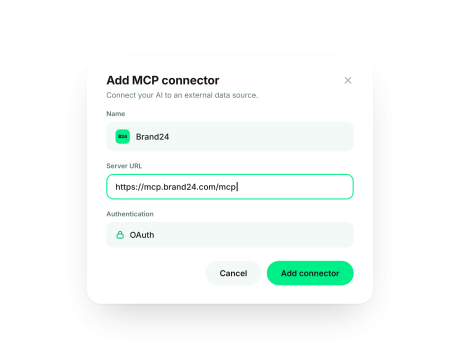
Add Brand24 to ChatGPT, Claude
or your AI agent and log in.
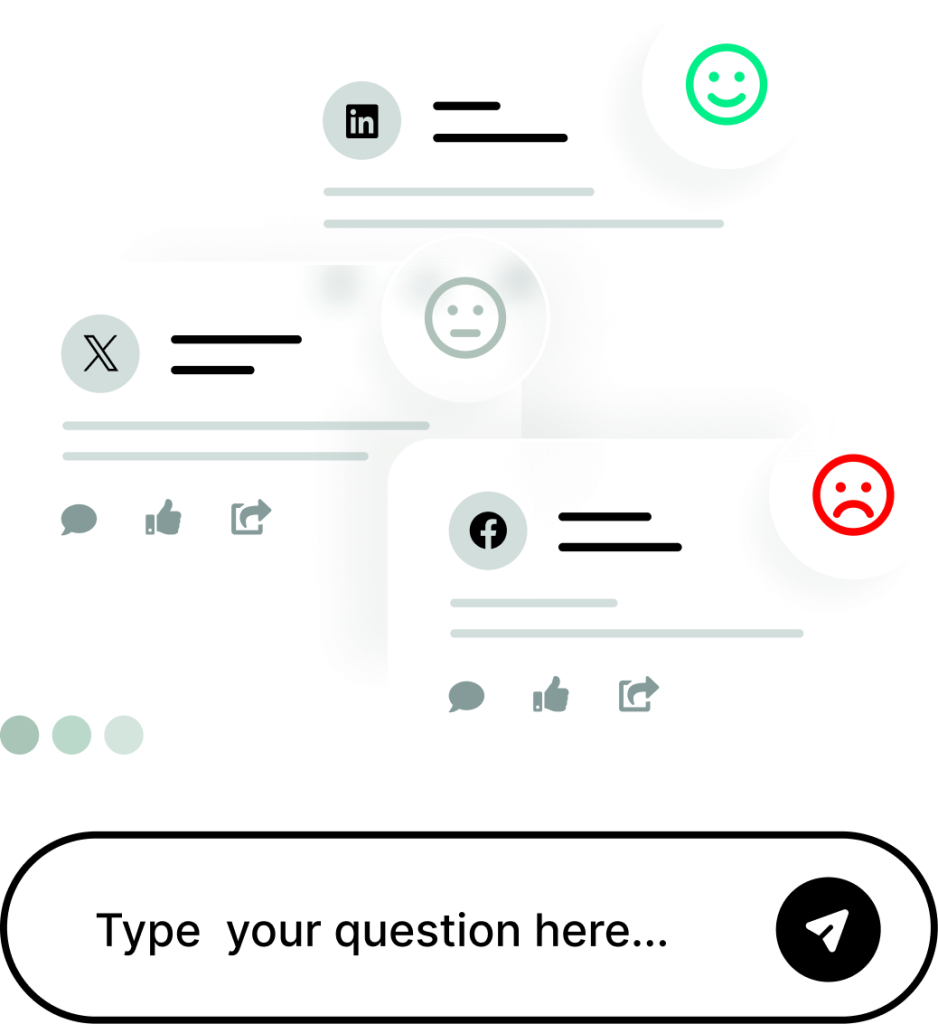
Type a question about your brand
in plain words.
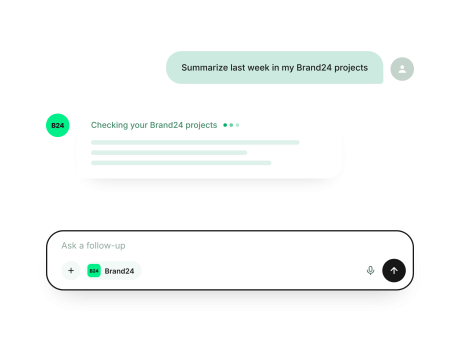
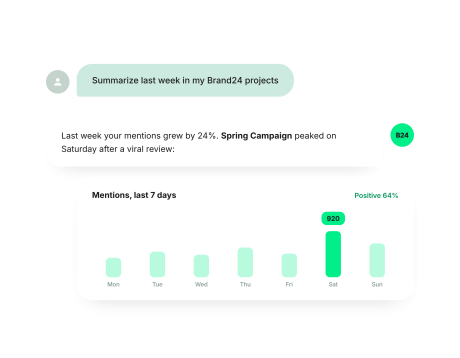
Your AI pulls data from your Brand24 projects and sums it up for you.
Three ways teams use Brand24 MCP for social listening and media monitoring.
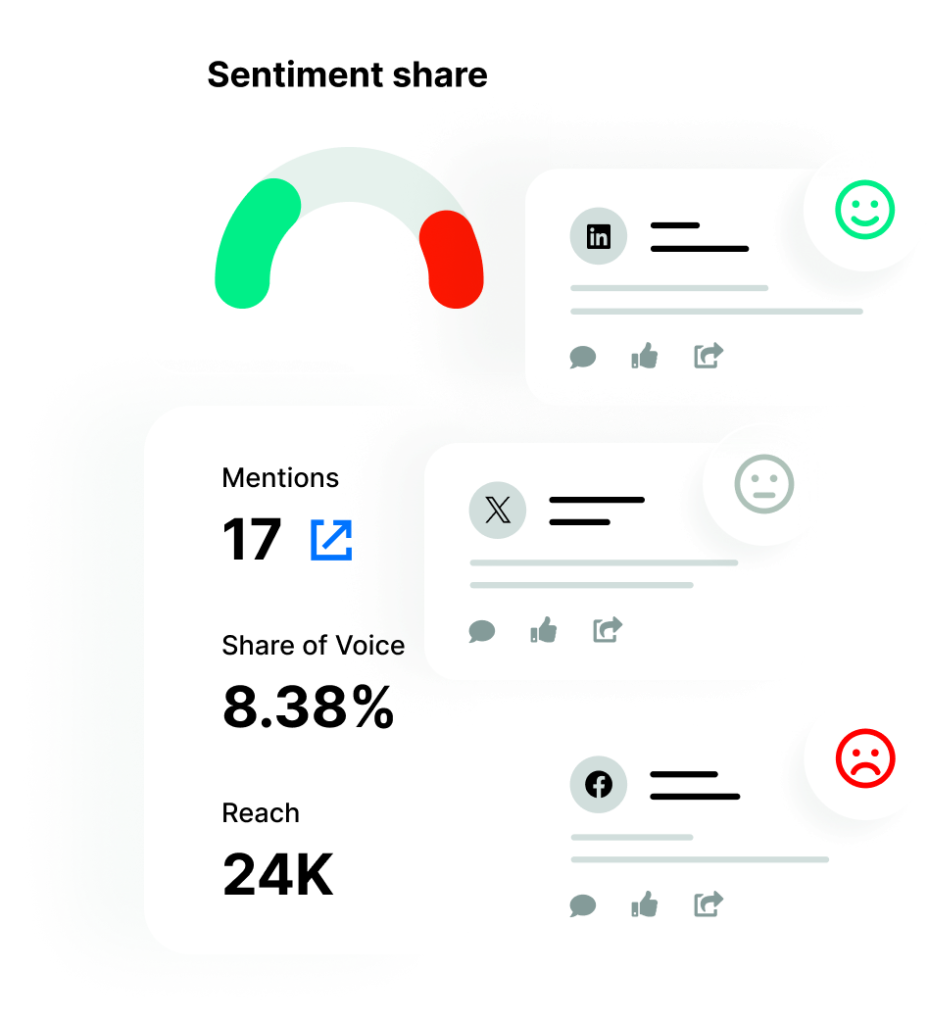
Start Monday with last week’s key events, sentiment changes and discussions across all your Brand24 projects.
Made for marketing managers who look after several products, services, or brands.
No more clicking through social listening projects one by one.
Your AI chat points out the brand mentions that matter the most.
See what drove your brand awareness and the conversation around your products over a given period.
Handy for marketing specialists preparing reports and reviews.
Know what drives discussions about your brand.
Get a ready base for reports and reviews.
Ask about a single topic and get a brief
of what people say, without reading every mention.
A quick way for PR managers to get the full summary for online reputation management.
Get mentions on one topic, filtered and summarized.
Context in minutes, ready for your marketing or PR publications.
Your AI chat reads the data from your Brand24 projects and turns it into answers.
Each card below shows a prompt you can start with.
Get a summary of recent events and anomalies across every project in your Brand24 account.
“Summarize the recent events
in my account.”
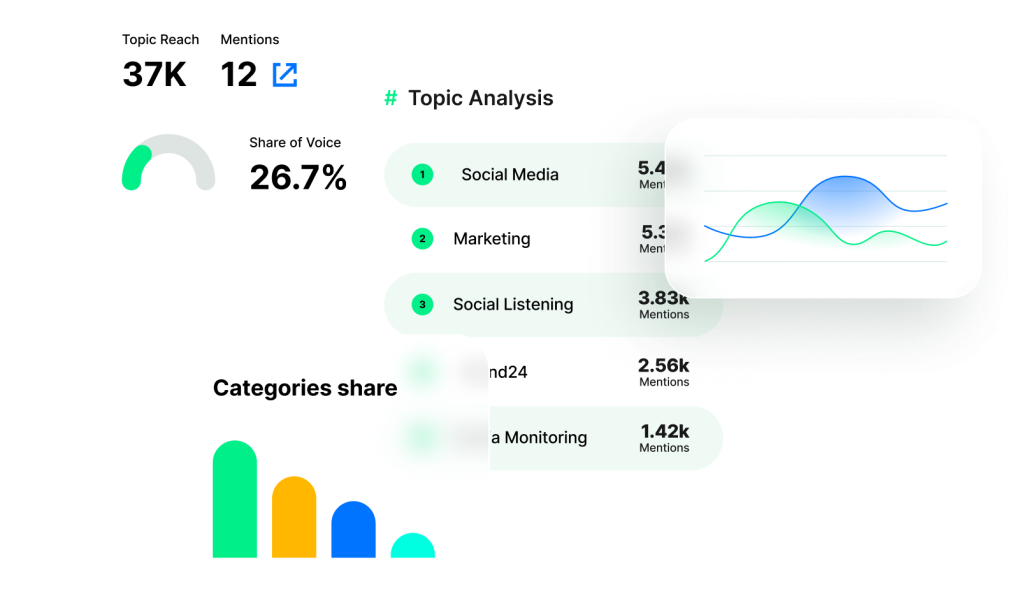
Compare how much share of voice your brand owns vs. competitors and which topics drive your awareness.
“What happened in the
[project name] project in 2026?”
See the topics that drive the most share of voice and conversations about your brand, product, or campaign.
“What are the main topics in the
[project name] project?”
Search for mentions from social media, news, or forums and get a summary of what people say and in what tone.
“What are people saying about
[topic] in [project name]?”
See the most active social media influencers or the news sites that write about your brand.
“Who are the most active influencers
writing about [project name]?”
Check sentiment in your projects and get a competitive analysis and comparison, ready for a battlecard.
“Compare the sentiment of [brand A],
[brand B], and [brand C].”
Connect once and ask about your brand mentions wherever you already work.
One of the first social listening tools in ChatGPT Apps, available since February 2026. Get it straight from the store and start asking. How to install?
Add Brand24 as a custom connector in Settings → Connectors, paste the Brand24 MCP server URL, and log in. Then ask Claude about your brand.
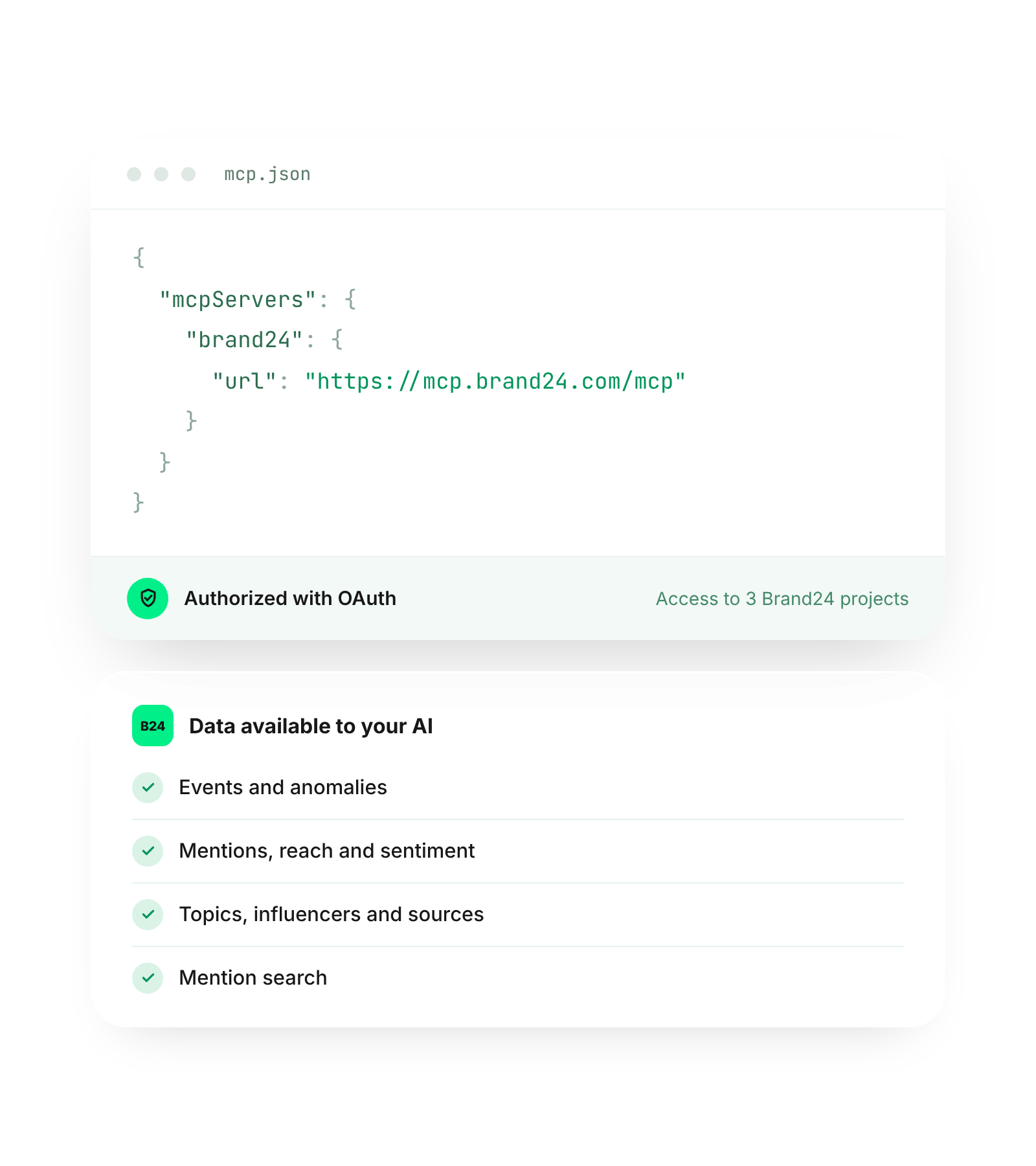
Connect the Brand24 brand monitoring MCP server to any tool that supports MCP with OAuth (including your own AI agents).
Your AI only sees the projects you authorize. Data is pulled live on each request and stays in Brand24, not in the AI’s memory.
See the Brand24 Help Center for a step-by-step setup, with connection details and example prompts.
Brand24’s new AI features are incredible. I remember spending hours trying to create Insight reports like these. Where now it’s literally at your finger tips. Showing insights for the given period, trends, mentions and sentiment.
Adam Stewart
Digital Marketing Consultant
Brand24 MCP brings your data into AI chats.
These Brand24 features help you collect, analyze, and act on it.
Send mentions, sentiment, reach, and AI insights to your own apps, dashboards, or data warehouse.
Ask questions inside Brand24 and get in-depth analyses based on the monitoring data in your projects.
Follow the news sites, blogs, videos, and podcasts that cover your brand. Measure the reach and AVE of your coverage.
Find out if the sentiment around your brand is positive, negative, or neutral, and what emotions your brand evokes.
See how often ChatGPT, Gemini and other AI models mention your brand in their answers, and in what context.
What is Brand24 MCP?
Brand24 MCP is a social listening MCP server (Model Context Protocol) that connects your Brand24 projects to AI assistants like ChatGPT and Claude. Brand24 is a social listening and media monitoring tool, so you can ask your AI about events, main discussions, mentions, and sentiment around your brand without logging in to the Brand24 panel.
What's the difference between Brand24 MCP and the Brand24 ChatGPT App?
The difference is where you use it and how you connect it:
Both provide your AI with the same social listening data because the ChatGPT app runs on Brand24 MCP.
How do I add Brand24 to ChatGPT?
Open the Brand24 app in ChatGPT Apps, click Connect, and log in to your Brand24 account. Step-by-step instructions are in our Help Center.
Which AI tools work with Brand24 MCP?
Brand24 MCP works with any AI tool that supports MCP with OAuth. That includes ChatGPT (as an official app), Claude, other AI tools, and custom AI agents.
How is Brand24 MCP different from Brand Assistant?
Brand Assistant has access to much more Brand24 data than MCP, so it gives more complete analyses. Brand24 MCP lets you use your Brand24 data in a more flexible way, inside the AI tools you already work with.
Can I use Brand24 MCP for sentiment analysis and brand awareness tracking?
Yes, you can use it for sentiment analysis and brand awareness tracking. Ask your AI chat for the ratio of positive to negative mentions in a project, how mention volume and reach changed over time, or how your brand compares with competitors in popularity and sentiment.
Which sources and languages does Brand24 MCP cover?
Brand24 MCP uses data from your Brand24 projects. Brand24 monitors 30M+ online sources, including social media, news, video transcripts, blogs, forums, podcasts, and review sites, in 108+ languages.
How is Brand24 MCP different from the Brand24 API?
Brand24 MCP connects your data to AI assistants and agents like ChatGPT and Claude, so you can ask questions in plain words. The Brand24 API is a REST-based integration for developers who want to integrate Brand24 data into their own apps, dashboards, or data warehouses.
Is my data safe?
Yes. Brand24 MCP uses OAuth, so your AI chat of choice only sees the data you authorize. Data stays in Brand24 and is fetched on demand, not kept in the AI's memory.
Do I need a Brand24 plan?
Yes. Brand24 MCP is available to Brand24 users and uses data from your active projects. You can start using Brand24 with a 14-day free trial, then decide whether you need access to MCP.
Brand24 MCP brings mentions, sentiment, and trends into
ChatGPT, Claude, and other AI tools of your choice.