Powered by
NEW ADD-ON
Your brand
owns AI visibility.
Monitor and optimize how your brand appears
in AI-generated answers. Elevate your Brand24 stack.
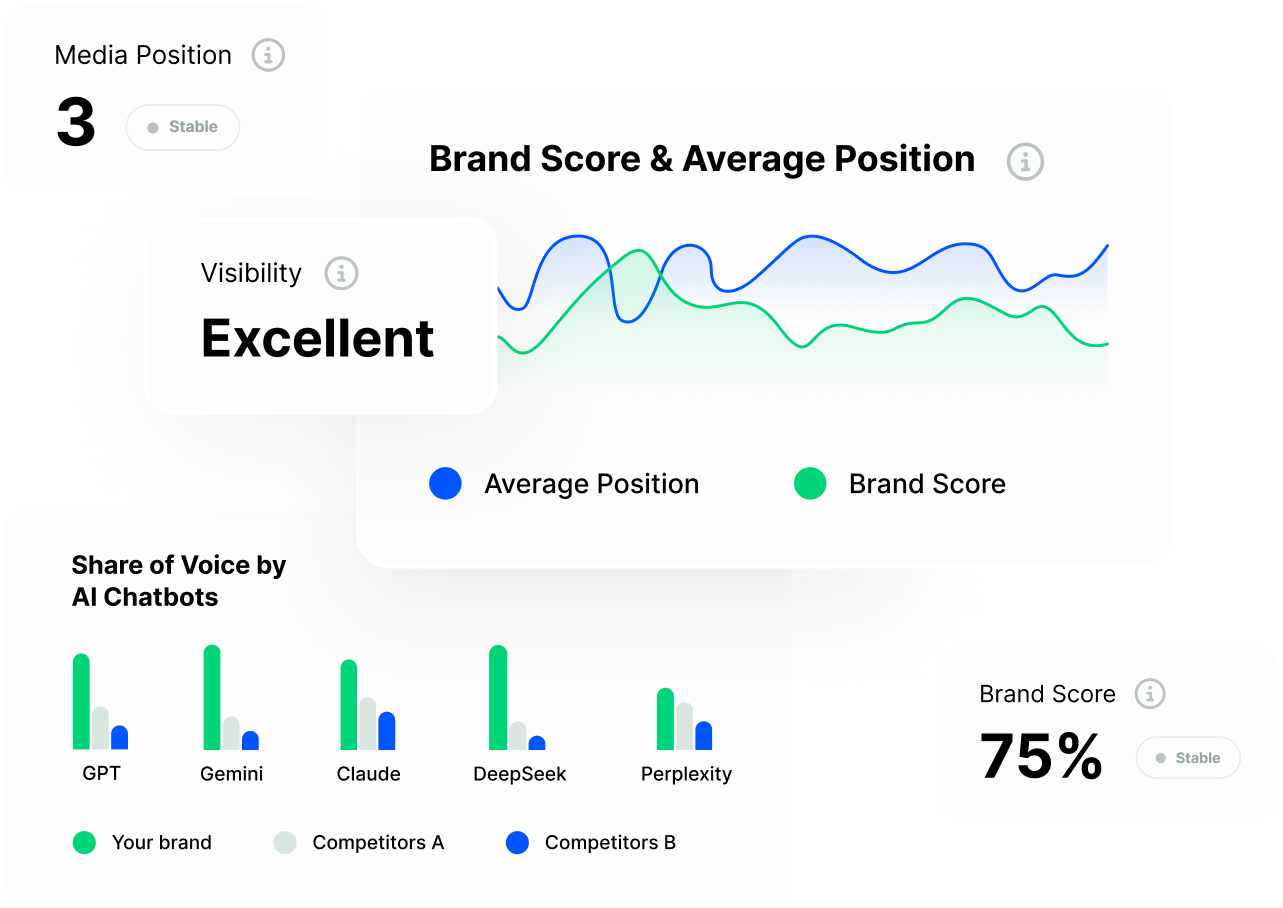
Monitor and optimize how your brand appears
in AI-generated answers. Elevate your Brand24 stack.
Chatbeat gives your Brand24 account a complete AI visibility layer
– from tracking to tactical execution.
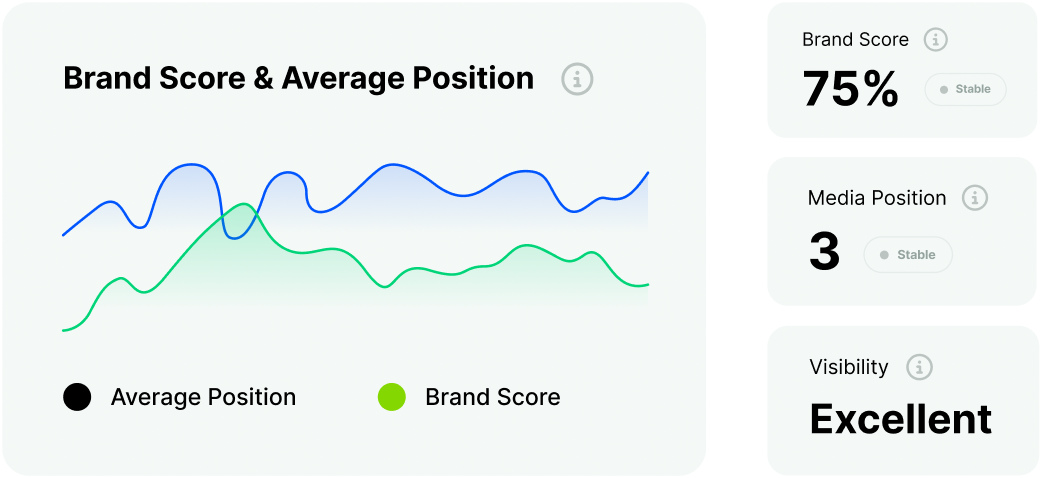
Brand Score calculated on mention frequency
and position in the AI response. Know exactly where you stand across 9 LLMs.
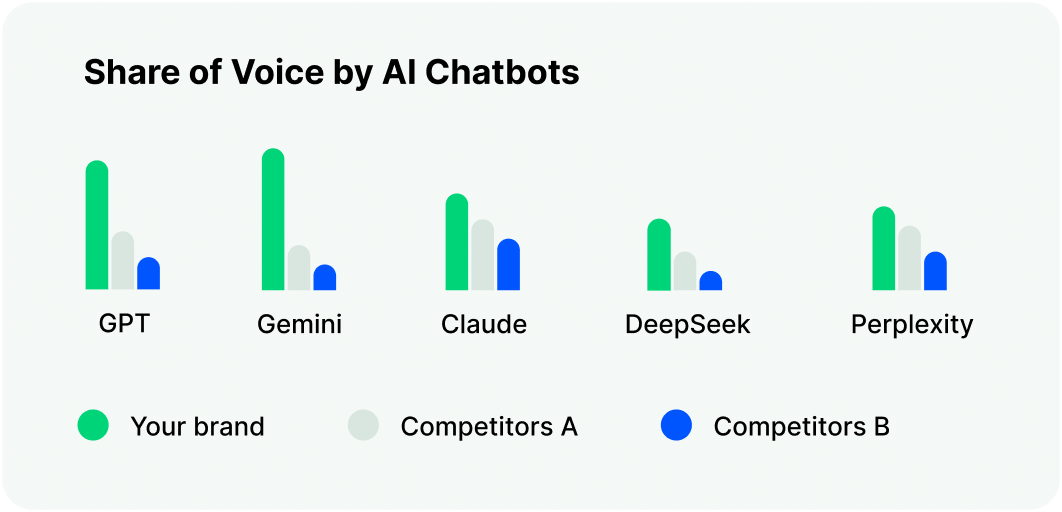
Side-by-side Share of Voice across every AI chatbot.
Spot where rivals outrank you and close the gap fast.
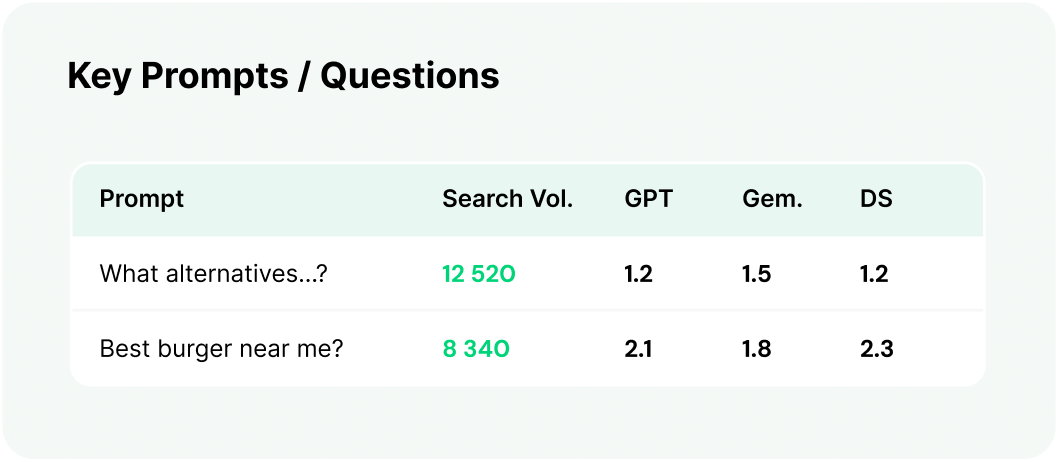
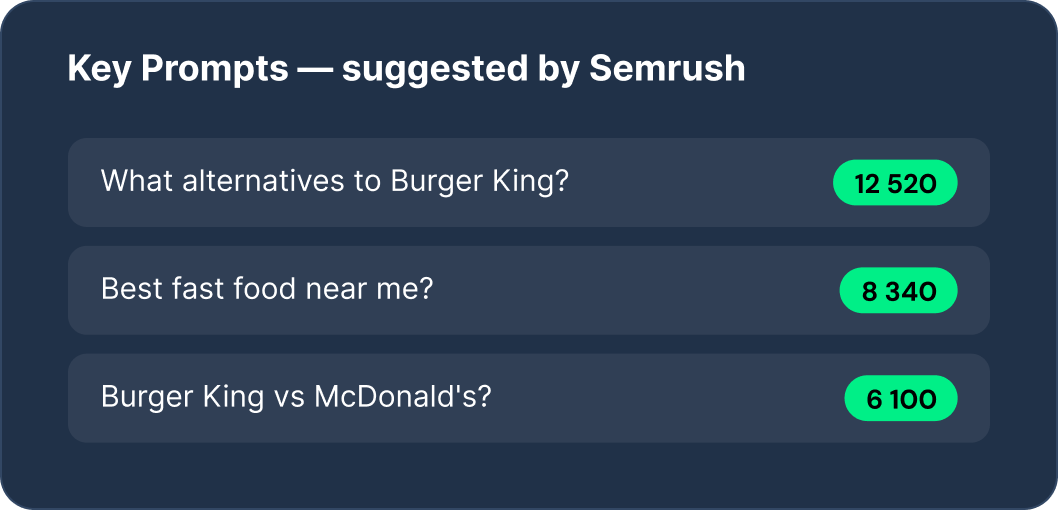
Identify top AI queries driving your brand’s visibility. Align content and campaigns to the exact prompts that matter.
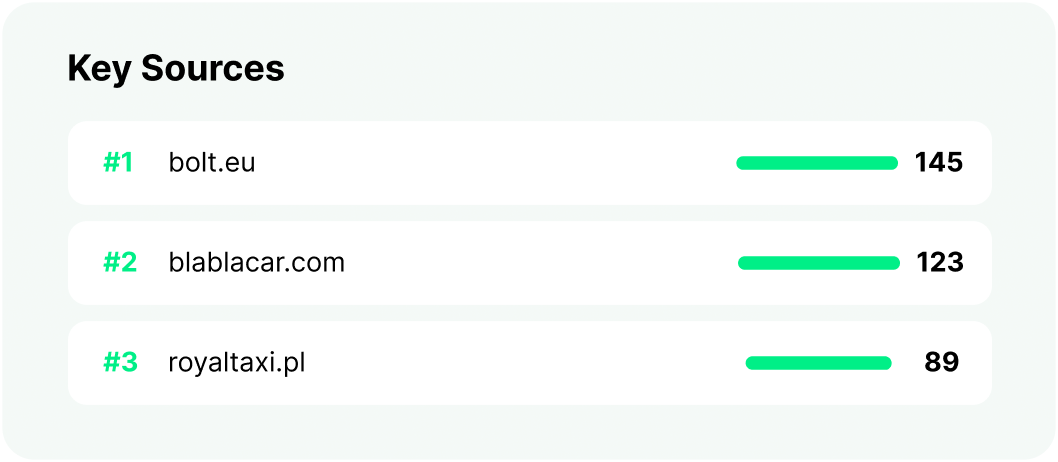
Discover which URLs AI chatbots cite in your category.
Get featured there to dramatically boost LLM visibility.
Search volumes from Semrush auto-populate your prompt list. We recommend what to track based on your existing SEO strategy.
Track your brand’s visibility across all platforms where your customers are making decisions.
See how brands used Chatbeat to dominate AI search and outrank
competitors across every major LLM.
Chatbeat lives inside your existing Brand24 dashboard. No new logins, no integrations to configure – just activate and start tracking.
Open your Brand24 project
Log in to Brand24 and select any existing project
you want to monitor.
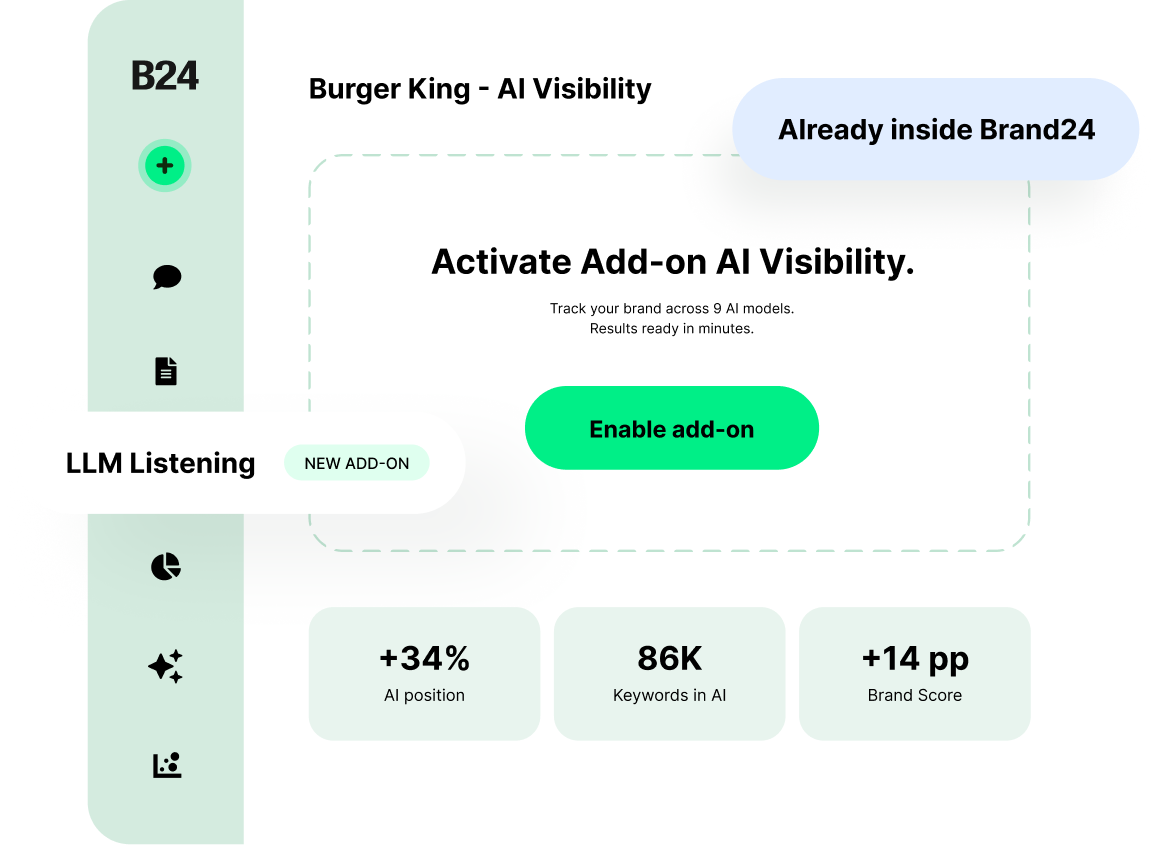
Click "LLM Listening" in the sidebar
Find the new AI Visibility section in the left navigation
– marked with the Add-on AI Visibility.
Activate and start tracking
Hit the activate button. Your first AI visibility report
is ready within minutes.
Add Chatbeat to your Brand24 account and get full AI visibility across 4 LLMs – from day one.
Free to start · 5 min setup · No credit card · Works inside Brand24
What is the AI Visibility Add-on and why should I use it?
The AI Visibility Add-on is an extension to Brand24 that combines two key areas in one place:
Social listening – monitor what’s being said about your brand and industry online.
AI Visibility (GEO) – check how and if your brand appears in responses generated by AI models (ChatGPT, Gemini, Perplexity, and others).
Instead of using multiple tools, you get a complete view of your visibility – across both traditional online sources and AI – in one panel, directly within Brand24.
How can I enable the AI Visibility Add-on in my Brand24 account?
To get started, go to the AI Visibility tab in the left-hand menu of your dashboard and create a test project.
This will automatically start your free trial, allowing you to explore the add-on’s capabilities.
If you decide to continue after the trial, contact our support team via chat or email at help@brand24.com – we’ll guide you through the next steps.
How much does the AI Visibility Add-on cost?
The AI Visibility Add-on costs $99 per month as an extension to an active Brand24 subscription.
You can try it for free during the trial period.
Which LLM models are available and how many prompts can I track?
It depends on your plan:
Trial: 4 models (ChatGPT, Perplexity, Google AI Overview, Gemini) + limit of 5 prompts
Paid plan ($99/month): 4 models (ChatGPT, Perplexity, Google AI Overview, Gemini) + limit of 30 prompts
If you need more prompts or additional models, contact us.
Can I track only my brand or also my competitors?
You can track both your brand and your competitors.
This allows you to compare Share of Voice and see who dominates AI-generated answers for the topics that matter to you.